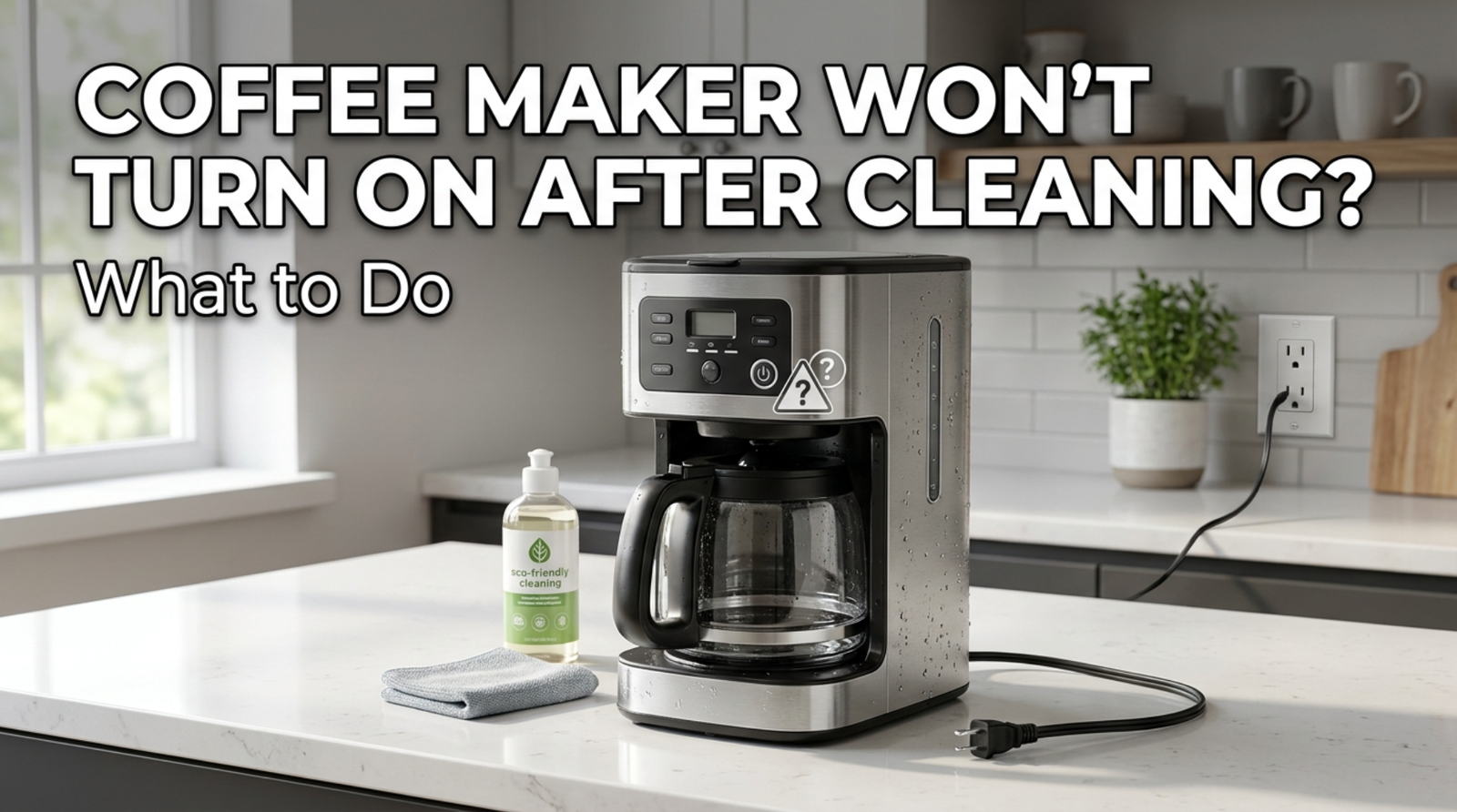

When you clean your coffee maker, all of a sudden it won’t turn on. This happens over and over again, which is annoying. While cleaning, this is most likely not a coincidence at all. Water got somewhere it shouldn’t have. Find out what went wrong and get it working again with these steps.
1. Water got into the control panel or power base
Water may have gotten into the electrical parts at the base or behind the control panel if you rinsed the machine under a faucet, soaked the base, or wiped it down with a very wet cloth.
Fix: Unplug the machine right away and let it dry completely in the air for 24 to 48 hours in a well-ventilated space. If possible, turn it upside down or on its side before trying to turn it back on.
2. The reservoir or parts that can be taken off aren’t fully put back together.
There are safety devices in many coffee maker that won’t turn them on unless the reservoir, carafe, or basket are in the right place. It’s easy to put something back together slightly wrong after cleaning it.
Fix: Make sure that all the parts that can be taken off, especially the tank, are fully in place and clicked into place just like they were before you cleaned them.
3. There should be no moisture near the plug or outlet
If the plug or cord got wet while being cleaned, the water could stop the link from working right or even trip a GFCI outlet as a safety measure.
Fix: Make sure the cord and plug are dry before you plug them back in. Check the GFCI outlet to see if it needs to be reset. It usually has a small button for that.#
4: Residue from vinegar or descalers affecting sensors
Some tools have sensors that can tell how much water is in them or how they are brewing. Sometimes, vinegar or leftover descaling solution in strange places can mess up these sensors, which is why the machine won’t turn on as a safety measure.
Fix: To get rid of residue, either run a rinse cycle with plain water (if the machine will turn on enough) or wipe down all parts that you can reach with a clean, barely damp cloth.
5. The GFCI outlet tripped
Most kitchen outlets are GFCI-protected, which means they have small “test” and “reset” buttons. These buttons are meant to quickly cut power if they sense any electrical problems caused by moisture, which is exactly what can happen when you’re cleaning your appliances.
Fix: Find a GFCI outlet nearby and press the reset button. This could be the outlet you’re using or another one in the kitchen that is connected. Use a different device to make sure the power is back on.
6: An internal part was damaged during disassembly
There’s a chance that a wire or connector came loose while you were cleaning the machine if you took it apart to get to places like the water reservoir tubing or spray head that aren’t easily accessible.
Fix: When you’re ready, open the machine back up (this time without plugging it in) and make sure that none of the connectors near the area you cleaned look like they’re not connected. A repair person can do this for you if you don’t feel safe with it.
7. The thermal fuse tripped because it was turned on while it was wet.
If the machine was still wet from cleaning when it was put in or turned on, the thermal safety fuse may have been set off as a safety measure. In some machines, this is a one-time thing that can’t be reset.
Fix: Let the machine dry out completely, then try to turn it on. If it still won’t turn on after a day of drying, the thermal fuse might need to be changed by an expert.
8. An unrelated failure that happened by chance
It’s common for a heating element, power switch, or internal wiring to break around the same time as a regular cleaning. This is especially true for machines that are already a few years old.
Fix: Use another device to plug into the outlet to make sure there isn’t an electrical problem. Also, think about whether the machine was already showing some small signs of wear before this cleaning (slow brewing, weak coffee, etc.).
9: The power or reset button is stuck because of water
On computers with a physical or sensitive power button, moisture that is still under or around the button can make it stick or not register a press properly.
Fix: Clean and dry the area around the button, then try pressing it forcefully. If it’s a real button, gently pressing it a few times after it’s dry can sometimes get rid of small stuck spots.
10. The circuit breaker tripped while I was cleaning
If a wet outlet or machine had a power spike. A circuit breaker may have tripped instead of a GFCI. This is more likely to happen in older homes.
Fix: Check the breaker box in your home for any switches that are in the “off” or middle position. If you find any, reset them.
Important Note About Safety
Don’t plug or switch on a coffee maker with a moist base, wire, or plug. That could cause an electric shock or irreversible internal harm. Unsure? Test it after longer than you think you should.
The Bottom Line
Coffee Maker Won’t Turn On After Cleaning usually has water in the base, outlet, or tripped safety feature. Give it time to dry, check your outlet and breaker, and make sure everything is back together before you worry.
READ MORE ARTICLES 👇








1 comment