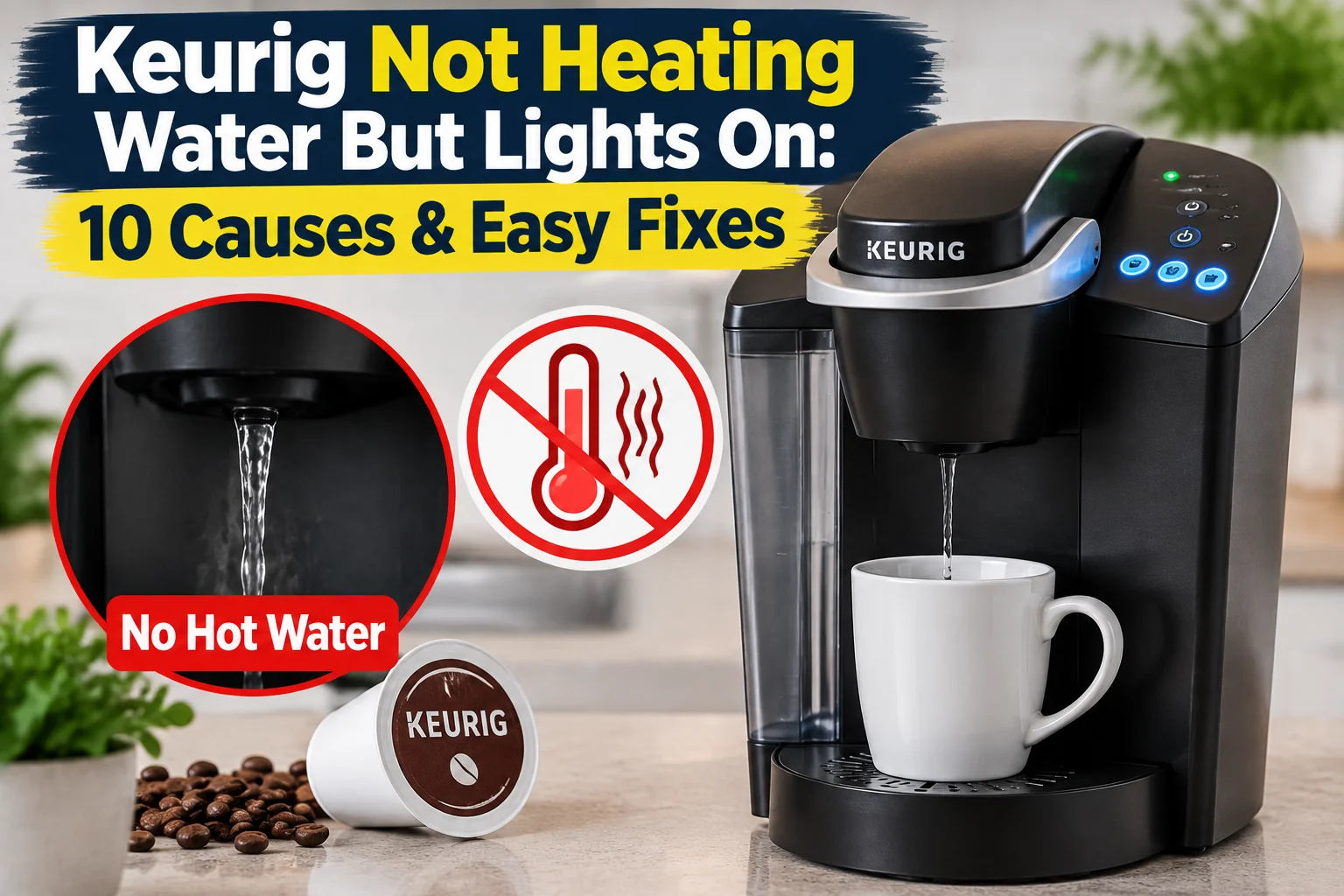

People often have problems with their Keurig coffee makers not heating water even though they turn on fine. The machine may be on and the lights may be on, and you may even choose a brew size. But the water that comes out is cold or lukewarm.
Most of the time, the issue is caused by mineral buildup, stopped water flow, air getting stuck in the system, wrong settings, or a broken heating component.
Try these steps to fix your Keurig before you buy a new one. It’s often enough to just clean and reset the heater to fix many problems.
Why Is My Keurig Not Heating Water But Lights Are On?
The most common causes include:
- Keurig needs a reset
- Mineral buildup inside the machine
- Clogged water lines
- Air trapped in the pump system
- Water reservoir not installed correctly
- Dirty entrance needle or exit needle
- Energy-saving settings affecting heating
- Faulty heating element
- Temperature sensor problem
- Control board failure
Let’s go through each solution.
1. Reset Your Keurig Coffee Maker
Sometimes the machine’s electronics need a simple reset.
A reset can fix temporary problems with:
- Heating cycles
- Internal sensors
- Control settings
- Pump operation
How To Reset a Keurig:
- Turn off the Keurig.
- Unplug it from the wall outlet.
- Wait 5–10 minutes.
- Plug it back in.
- Turn it on.
- Try brewing again.
If the heater was stuck in an error state, this may restore normal operation.
2. Check the Water Reservoir
A Keurig may not heat properly if it cannot detect or pull water from the reservoir.
Check:
- Is there enough water?
- Is the reservoir seated correctly?
- Is the valve at the bottom working?
- Is the water filter installed correctly?
Fix:
Remove the reservoir and reinstall it firmly.
Make sure the water level is above the minimum line.
3. Descale Your Keurig
Mineral buildup is one of the most common reasons a Keurig stops heating properly.
Hard water deposits can accumulate inside:
- Heating chamber
- Water tubes
- Pump system
This can reduce water flow and prevent the heater from working correctly.
How To Descale:
- Empty the water reservoir.
- Remove the water filter.
- Add Keurig descaling solution or a manufacturer-approved cleaner.
- Run brewing cycles without a pod.
- Rinse with fresh water.
Keurig recommends regular descaling to remove mineral deposits that can affect performance.
4. Clear Air From the Pump System
Sometimes air gets trapped inside the Keurig, preventing water from reaching the heating chamber.
Signs of trapped air:
- Pump noise
- No water coming out
- Cold water dispensing
- Machine stops during brewing
Fix:
- Remove the water reservoir.
- Fill it with fresh water.
- Reinstall it firmly.
- Open and close the pod holder.
- Run a water-only brew cycle.
Repeat if necessary.
5. Clean the Entrance Needle
The entrance needle punctures the K-Cup and allows water to flow through.
Coffee grounds can block it.
A clogged needle can cause:
- Slow brewing
- No water flow
- Incomplete heating cycle
Cleaning Steps:
- Turn off and unplug the Keurig.
- Remove the pod holder.
- Clean around the entrance needle carefully.
- Use a small needle-cleaning tool or soft brush.
- Rinse with water.
Be careful because the needle is sharp.
6. Clean the Exit Needle
The exit needle is located at the bottom of the pod holder.
Coffee particles can block it and interrupt water flow.
Fix:
- Remove the pod holder.
- Clean the needle opening.
- Run a water-only cycle.
Improving water flow can allow the heating system to work correctly.
7. Check Keurig Temperature Settings
Some Keurig models allow temperature adjustments.
If the temperature is set too low, coffee may taste weak or appear cooler than expected.
Check:
- Temperature settings
- Brew settings
- Energy-saving modes
Increase the temperature if your model supports this feature.
8. Keurig Heating Element Failure
If the lights work but water remains completely cold, the heating element may have failed.
The heating element is responsible for warming the water inside the machine.
Signs of heater failure:
- Cold water only
- No heating sound
- Brewing cycle stops early
- Machine turns on normally
Solution:
A failed heating element usually requires repair or replacement of internal components.
9. Faulty Temperature Sensor
Keurig machines use sensors to monitor water temperature.
A damaged sensor may incorrectly detect the water temperature and stop heating.
Symptoms:
- Water is not hot enough
- Machine shuts down during brewing
- Heating starts and stops randomly
This usually requires technical inspection.
10. Control Board Problem
The control board manages:
- Heating
- Pump operation
- Display
- Buttons
If the control board fails, the machine may appear normal but fail to activate the heater.
Signs:
- Lights work
- Buttons respond
- No heating occurs
- Reset does not help
Professional repair may be needed.
Keurig Heats Water Then Stops
If your Keurig heats water initially but stops during brewing, check:
- Mineral buildup
- Water flow problems
- Clogged needles
- Pump issues
Start with cleaning and descaling before replacing parts.
Keurig Makes Noise But Water Is Cold
A humming or pumping sound usually means:
- The pump is working
- Water movement is restricted
- Heater is not activating properly
Try:
- Cleaning needles
- Checking reservoir placement
- Descaling the machine
- Resetting the Keurig
How To Prevent Keurig Heating Problems
Regular maintenance can prevent many issues.
Descale Regularly
Remove mineral buildup every few months depending on water hardness.
Use Filtered Water
Filtered water reduces mineral deposits.
Clean Needles
Remove coffee buildup from the pod system.
Keep Reservoir Clean
Wash the tank regularly to prevent debris buildup.
When Should You Replace Your Keurig?
Consider replacement if:
- The heating element has failed
- Repair costs are high
- The machine is very old
- Multiple components are failing
If the issue is only buildup or a clogged needle, repair is usually simple.
Final Thoughts
A Keurig that is not heating water but still has lights on usually has a problem with water flow, mineral buildup, settings, or the heating system.
Start with the easiest fixes:
- Reset the machine
- Check the water reservoir
- Clean the needles
- Descale the Keurig
It’s possible that the heating element, temperature sensor, or control board needs to be fixed if the machine still makes cold water after being cleaned and reset.
Cleaning and descaling your Keurig on a regular basis can help it keep the right temperature for making and make it last longer.








2 comments