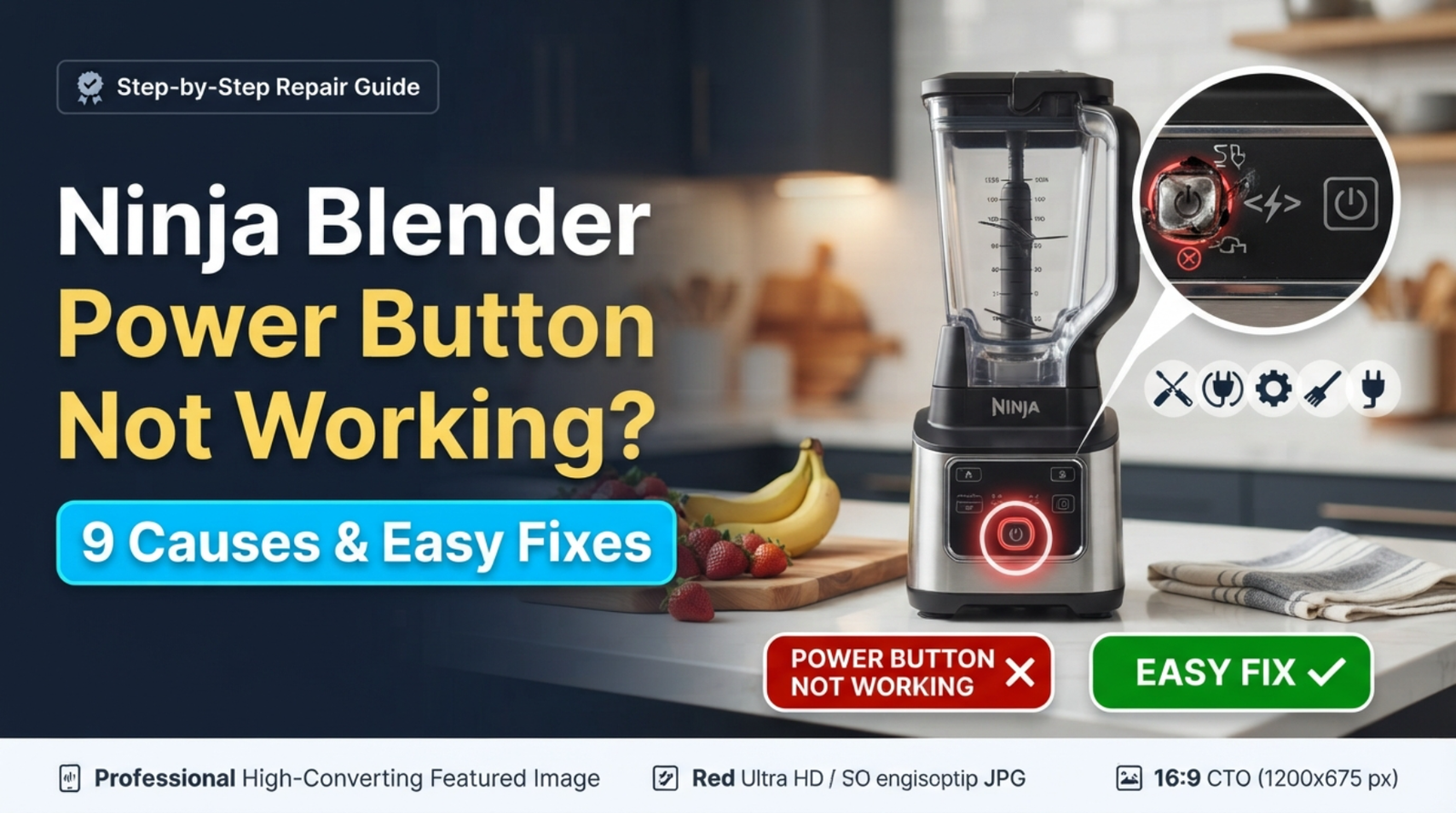
Ninja Blender Power Button Not Working: What Does It Mean?
your Ninja blender stops working, especially if it was working fine before. When you press the button, nothing happens, the lights don’t change, or the blender won’t turn on.
Most of the time, the issue is not a totally broken motor. Ninja blenders have safety features that stop them from working if the container, lid, or blade assembly is not put on properly. Problems with the power, the control panel, the overheating protection, or a broken button are some other typical reasons.
Try these easy steps to fix your blender before you buy a new one.
Quick Fix Checklist
Before checking internal parts, try these solutions:
✅ Check the power outlet
✅ Unplug the blender for a few minutes
✅ Make sure the pitcher is locked correctly
✅ Check that the lid is properly attached
✅ Remove excess ingredients
✅ Let the blender cool down
✅ Clean around the buttons and control panel
If the blender still does not respond, continue with the fixes below.
1. Check the Power Supply
The first thing to check is whether your Ninja blender is receiving power.
Sometimes the issue is not the button itself but the electricity source.
Try These Steps:
- Plug another appliance into the same outlet.
- Check if the outlet switch is turned on.
- Try a different power socket.
- Make sure the blender cord is firmly connected.
If the blender has no lights and no sound, a power issue is more likely than a button problem.
2. The Blender Is Not Properly Assembled
Ninja blenders have built-in safety locks. The power button may appear not to work if the blender detects that the jar or lid is not correctly positioned.
Common signs:
- Buttons do not respond
- Lights flash
- Motor does not start
- Blender works after adjusting the jar
Fix:
- Remove the container from the base.
- Place it back correctly.
- Rotate until it locks into position.
- Secure the lid completely.
- Press the power button again.
3. The Lid Safety Lock Is Not Engaged
Many Ninja blender models will not start unless the lid locking mechanism is activated.
If the lid is slightly open or misaligned, the control buttons may not respond.
Solution:
Check:
- Lid arrows are aligned
- Lid is fully closed
- Locking tabs are connected properly
Clean any food residue around the locking area because buildup can prevent proper contact.
4. The Blender Has Overheated
If you were blending thick mixtures, ice, or frozen ingredients, the Ninja blender may temporarily stop responding.
The thermal protection system shuts down the blender to prevent motor damage.
Signs of overheating:
- Power button does nothing
- Blender stopped suddenly
- Base feels warm
- It worked before stopping
Fix:
- Turn the blender off.
- Unplug it.
- Wait 15–30 minutes.
- Plug it back in.
- Try again with a smaller batch.
5. The Control Panel Button Is Stuck or Dirty
Food particles, moisture, or residue can affect the power button.
This may happen when:
- Liquid spills onto the control panel
- Buttons become sticky
- The blender is not cleaned regularly
How to Fix:
- Unplug the blender.
- Wipe the button area with a dry cloth.
- Remove any visible residue.
- Allow moisture to dry completely.
Never spray water directly onto the motor base.
6. Ninja Blender Needs a Reset
Sometimes a temporary electronic error can prevent the buttons from responding.
Try resetting your blender:
- Remove the plug from the outlet.
- Leave it unplugged for 5–10 minutes.
- Reconnect the power.
- Reassemble the blender.
- Test the power button.
This can clear minor control errors.
7. The Blade Assembly or Jar Is Blocking Startup
A Ninja blender may refuse to start if the blade system cannot rotate properly.
Possible causes:
- Jammed blades
- Too many ingredients
- Thick mixture
- Incorrect blade installation
Try removing some ingredients and checking whether the blades move freely.
Related issue:
Ninja Blender Not Spinning But Motor Works?
8. The Power Button or Control Board Is Damaged
If:
- The outlet works
- The blender is correctly assembled
- The unit is not overheated
- Reset does not help
then the power button or electronic control board may have failed.
Signs of a damaged control panel:
- Button feels loose
- No response from any button
- Random flashing lights
- Blender turns on/off by itself
In this situation, professional repair or replacement may be necessary.
9. The Motor Base Has an Internal Electrical Problem
In rare cases, the issue may be inside the motor base.
Possible causes:
- Damaged wiring
- Failed circuit board
- Internal component failure
If your Ninja blender is still under warranty, contacting Ninja support is usually the safest option.
Ninja Blender Power Button Flashing But Not Working
If your Ninja blender power light is flashing but the buttons do not work, common causes include:
- Lid not locked correctly
- Container not detected
- Overheating protection
- Internal error
Try removing and reinstalling the container before attempting a reset.
When Should You Replace Your Ninja Blender?
Consider replacing the blender if:
- The control board has failed
- Repair costs are close to a new unit
- The motor makes unusual sounds
- Multiple components are failing
However, if the problem is only the lid lock, button area, or blade assembly, repair may be much cheaper.
FAQ
A Ninja blender may not turn on because of power issues, incorrect assembly, overheating protection, or a control panel problem.
Check the power connection, lid lock, jar position, and whether the blender needs a reset.
Unplug the blender for several minutes, reconnect it, and try operating it again after proper assembly.
Flashing lights usually indicate an assembly issue, safety lock problem, or temporary error.
Final Thoughts
If the power button on your ninja blender doesn’t work, don’t assume right away that the motor is broken. Check the power source, put the jar and lid back on, clean the control area, and turn the blender off and on again.
Most Ninja blender startup issues are caused by safety locks, overheating, or short-term errors, and they can be solved quickly.
related Articles






7 comments