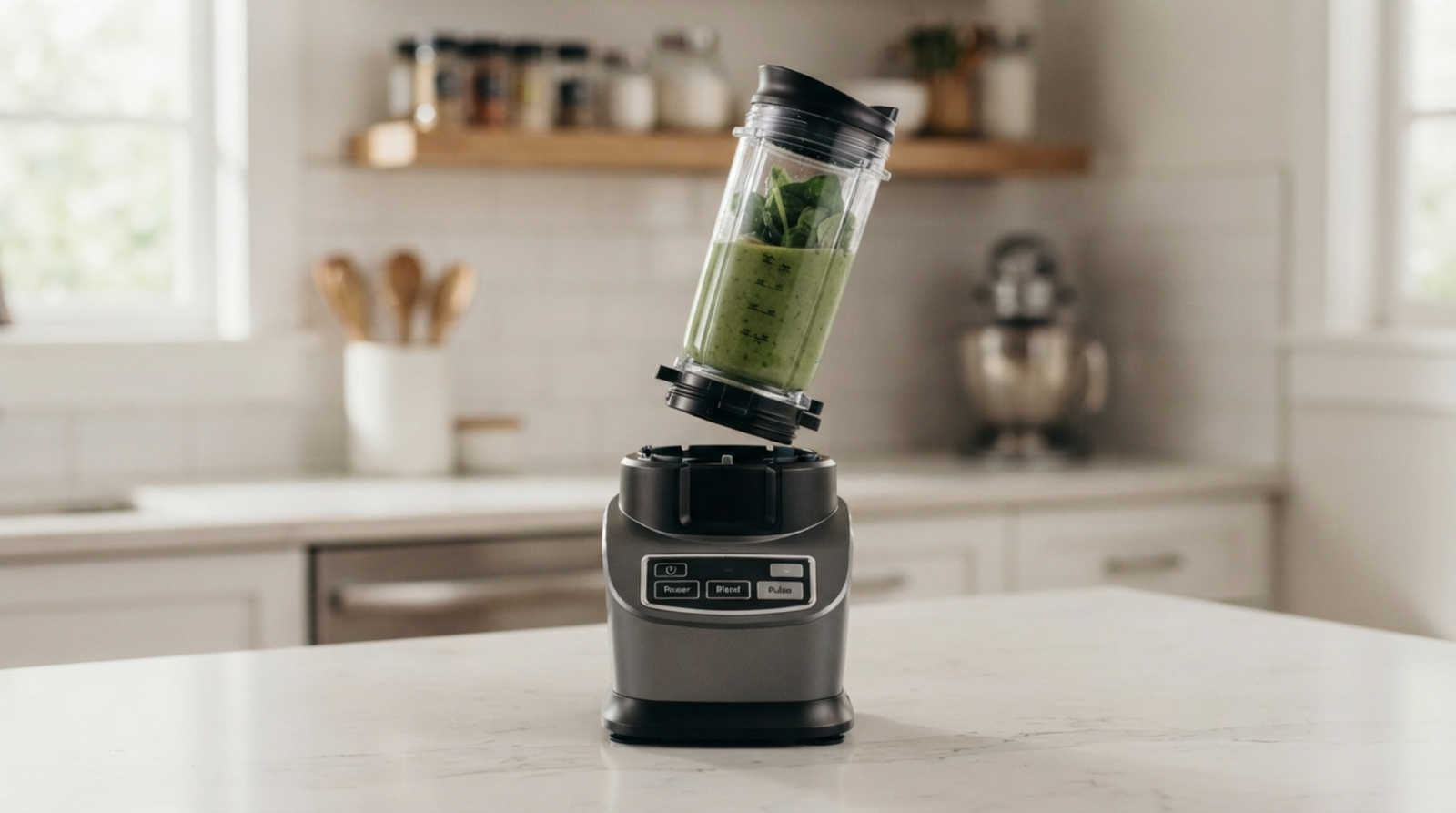

Ninja Blender Cup Not Locking: What Does It Mean?
The Ninja blender may not start if the cup does not lock. This is because the safety mechanism is not working. Ninja blenders have locking systems that keep the motor from running if the cup, lid, and blade assembly are not properly connected.
A cup that will not lock is usually caused by:
- Incorrect cup alignment
- Food residue around the locking area
- Damaged locking tabs
- Incorrect blade attachment
- Worn cup threads
- A damaged safety sensor
The good news is that many locking problems can be fixed at home in a few minutes.
Quick Fix Checklist
Before trying detailed repairs, check these simple solutions:
✅ Remove the cup and reinstall it
✅ Clean the cup threads and locking tabs
✅ Check that the blade lid is tightened correctly
✅ Make sure the cup is compatible with your Ninja model
✅ Remove excess ingredients blocking the blade assembly
✅ Check for cracks or damaged plastic parts
✅ Try another Ninja cup if available
1. The Cup Is Not Aligned Correctly
The most common reason a Ninja blender cup will not lock is incorrect positioning.
The cup must sit at the correct angle before twisting into the locked position.
Fix:
- Remove the cup from the blender base.
- Align the arrows or markings on the cup and blade assembly.
- Place the cup straight onto the motor base.
- Twist firmly until it locks.
Do not force the cup because this can damage the locking tabs.
2. Food or Debris Is Blocking the Locking Mechanism
Small food particles can prevent the cup from sitting correctly.
Common areas to check:
- Cup threads
- Blade attachment ring
- Bottom connection area
- Locking grooves
Solution:
- Remove the cup.
- Wash the cup and blade assembly.
- Clean the grooves with a soft brush.
- Dry completely.
- Try locking again.
Even a small amount of dried food can stop proper alignment.
3. The Blade Assembly Is Not Tightened Correctly
Ninja personal blender cups usually attach to a blade assembly before you place them on the motor base.
If the blade lid is loose or incorrectly attached:
- Cup may not lock
- Blender may show an error
- Motor may not start
Fix:
Remove the blade assembly and reinstall it tightly.
Check that:
- The rubber seal is positioned correctly
- The blade unit sits evenly
- No parts are cross-threaded
4. The Cup Is Overfilled
Sometimes the cup physically cannot lock because ingredients are pushing against the blade assembly.
This often happens with:
- Frozen fruit
- Ice
- Thick smoothies
- Large chunks of food
Fix:
Remove some ingredients and leave enough space at the top.
Avoid filling the cup above the maximum fill line.
5. The Cup Threads Are Damaged
The locking mechanism depends on plastic threads connecting the cup and blade assembly.
Over time, these threads can wear out.
Signs of damaged threads:
- Cup spins but never locks
- Cup feels loose
- Locking position has changed
- Blender leaks
Solution:
Inspect the threads for:
- Cracks
- Missing plastic sections
- Warping
If damaged, replacing the cup or blade assembly may be necessary.
6. You Are Using the Wrong Ninja Cup
Not every Ninja cup fits every Ninja blender model.
Different Ninja series may use different:
- Cup sizes
- Blade attachments
- Locking systems
Before buying a replacement cup, check:
- Blender model number
- Cup compatibility
- Blade type
Using an incompatible cup can make it impossible to lock properly.
7. The Safety Lock Sensor Is Not Detecting the Cup
Ninja blenders use safety sensors to detect whether the cup or lid is properly attached.
If the sensor cannot detect the cup:
- Buttons may not work
- Lights may flash
- Blender may show an error
Try:
- Remove the cup.
- Clean the contact points.
- Reinstall carefully.
- Reset the blender.
8. The Motor Base Locking Area Is Dirty or Damaged
The problem may not be the cup itself.
Check the motor base:
- Are the locking slots clean?
- Are there broken plastic pieces?
- Is anything blocking the connection?
Clean gently with a dry cloth.
Never pour water directly onto the motor base.
9. The Cup or Blade Assembly Needs Replacement
If the cup still will not lock after cleaning and checking alignment, a damaged part may be the cause.
Replacement may be needed if:
- Cup tabs are broken
- Blade attachment is cracked
- Threads are worn
- Locking ring is damaged
Replacing a small part is often cheaper than replacing the entire blender.
Ninja Blender Cup Locks But Won’t Start
If the cup locks correctly but the blender still does not run, check:
- Power connection
- Lid position
- Blade assembly
- Overheating protection
- Control panel
Related issue:
Ninja Blender Power Button Not Working
Ninja Blender Cup Won’t Twist Into Place: FAQ
The most common reasons are incorrect alignment, dirty threads, damaged locking tabs, or an incompatible cup.
Clean the cup and blade attachment, align the markings, and twist gently until the locking mechanism engages.
Only if it is compatible with your specific Ninja model. Different Ninja series use different attachment systems.
The blender may not detect the cup because you have not engaged the safety lock properly.
Files, images, and data analysis are unavailable until usage resets at 10:54 AM. Continue chatting with text only, or upgrade for more access.
Try Plus free
Final Thoughts
If the Ninja blender cup won’t lock, it’s probably because the closing parts are out of place, dirty, or worn, not the motor itself.
First, clean the cup and make sure you have the right cup for your Ninja model. Also, check the blade connection. If the locking tabs or threads are broken, it’s usually easiest to just replace the cup or blade assembly.







1 comment