Nutribullet Error Codes Explained: Complete Troubleshooting Guide
Nutribullet blenders are known for having strong motors and easy-to-use designs, but like any other tech device, they can stop working or show warning lights from time to time.
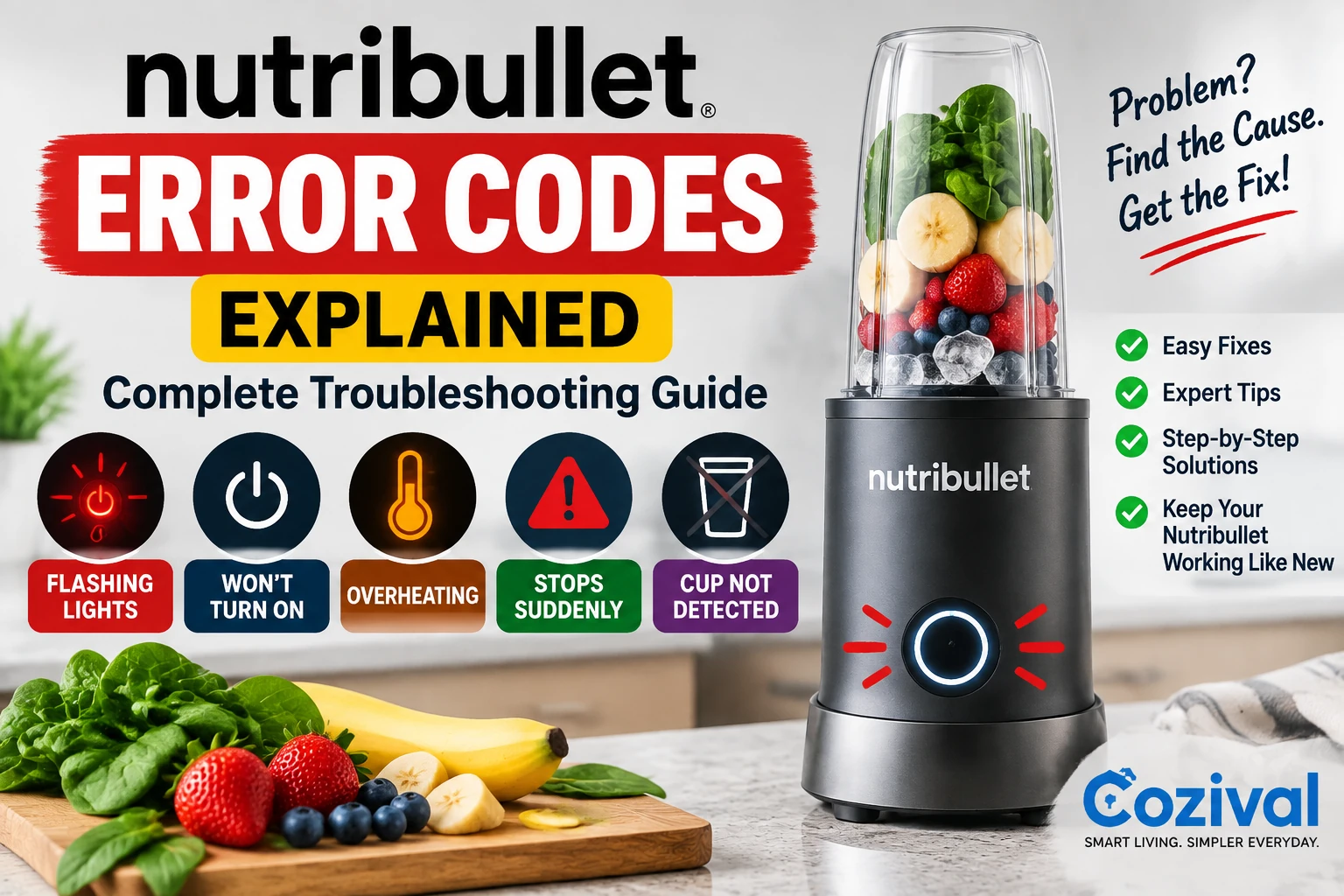
Most Nutribullet models don’t show standard numerical error codes like some smart appliances do. Instead, they let you know there is a problem by bright lights, power buttons that blink, automatic shutdowns, strange sounds, or not starting at all.
The most common Nutribullet error codes and warning signs are talked about in this guide, along with why they happen and how to fix them.
Does Nutribullet Have Error Codes?
Most Nutribullet models do not display digital error numbers like “E1” or “E2.”
Instead, Nutribullet uses:
- Flashing LED lights
- Blinking buttons
- Automatic shutdown
- No power response
- Motor stopping
- Overheating protection
These signals act as error codes that tell you something is wrong with the blender.
Nutribullet Flashing Lights Error
What It Means
A flashing light usually indicates:
- Cup is not locked correctly
- Safety sensor is not activated
- Motor overload
- Electrical issue
Fix:
1. Check Cup Position
Remove the cup and reinstall it.
Make sure:
- The cup is aligned correctly
- The blade attachment is tightened
- The locking tabs are engaged
2. Clean Contact Points
Food particles can block the sensors.
Clean:
- Cup base
- Sensor areas
- Blade attachment
3. Reset the Blender
- Remove the plug.
- Wait 5–10 minutes.
- Plug it back in.
- Try again.
Nutribullet Won’t Turn On Error
Possible Causes:
- No power supply
- Cup not detected
- Overheating protection
- Motor problem
Fix:
Follow these steps:
Check Power Outlet
Plug another appliance into the same socket.
Check Power Cord
Look for:
- Damage
- Loose connection
- Cuts
Check Cup Lock
Many Nutribullet models will not start unless the cup is correctly positioned.
Nutribullet Stops After a Few Seconds
This is one of the most common Nutribullet problems.
Causes:
1. Motor Overheating
The blender automatically shuts down to protect the motor.
2. Too Many Ingredients
Overfilling creates too much resistance.
3. Thick Mixture
Frozen fruit, ice, or thick smoothies can overload the motor.
Fix:
- Turn off the blender.
- Unplug it.
- Wait 20–30 minutes.
- Reduce ingredients.
- Add more liquid.
Related Article:
Ninja Blender Stops After Few Seconds? 9 Causes & Easy Fixes
Nutribullet Red Light Error
Meaning:
A red flashing light usually indicates:
- Cup attachment problem
- Motor overload
- Safety lock issue
Solution:
- Remove the cup.
- Check blade assembly.
- Clean the locking area.
- Reattach properly.
Causes:
- Cup not locked
- Sensor problem
- Electrical fault
Fix:
Try:
- Remove the cup.
- Clean the bottom of the cup.
- Reinstall firmly.
- Restart the blender.
Nutribullet Makes Noise But Does Not Blend
Symptoms:
- Motor runs
- Blade does not spin
- Loud clicking sound
Causes:
- Damaged gear coupling
- Broken blade assembly
- Worn drive socket
Fix:
Inspect the connection between:
- Motor base
- Blade unit
Replace damaged parts if necessary.
Nutribullet Motor Runs But Blade Does Not Move
Common Causes:
Broken Blade Assembly
The blade may no longer connect with the motor.
Damaged Drive Coupler
The small plastic gear underneath the cup may be worn.
Solution:
Replace the damaged component.
Nutribullet Overheating Error
Symptoms:
- Hot motor base
- Burning smell
- Blender stops suddenly
Causes:
- Continuous operation
- Heavy ingredients
- Blocked ventilation
Fix:
Allow the blender to cool completely.
Prevent overheating by:
✅ Blending in short cycles
✅ Avoiding overfilling
✅ Adding enough liquid
Nutribullet Leaking Error
Causes:
- Damaged rubber gasket
- Loose blade assembly
- Cracked cup
Fix:
Check:
- Blade seal
- Rubber ring
- Cup condition
Replace damaged parts immediately.
Nutribullet Cup Not Locking
Causes:
- Dirty locking mechanism
- Damaged tabs
- Incorrect cup placement
Fix:
- Clean cup edges.
- Check locking tabs.
- Align arrows correctly.
Related:
Ninja Blender Cup Not Locking? Causes & Fixes
Nutribullet Blade Error
Signs:
- Poor blending
- Strange noise
- Leaking
- Uneven smoothies
Causes:
- Dull blades
- Damaged bearings
- Food buildup
Fix:
Clean or replace the blade assembly.
Nutribullet Grinding Noise Error
Causes:
- Bearing failure
- Blade damage
- Hard objects stuck
Fix:
Stop using immediately and inspect the blade.
Nutribullet Burning Smell Error
A burning smell should never be ignored.
Possible Causes:
- Motor overheating
- Electrical problem
- Excessive workload
Fix:
- Turn off immediately.
- Disconnect power.
- Allow cooling.
- Avoid heavy blending.
If the smell continues, repair may be needed.
Nutribullet Not Detecting Cup
Causes:
- Dirty sensors
- Incorrect attachment
- Damaged locking mechanism
Fix:
Clean:
- Cup bottom
- Sensor contacts
- Base area
Try another compatible cup if available.
How To Reset Nutribullet Blender
Most Nutribullet models can be reset by:
- Unplugging the blender.
- Waiting 15–30 minutes.
- Removing the cup.
- Checking for blockages.
- Plugging it back in.
Some models also reset after cooling from overheating.
Common Nutribullet Error Problems Table
| Problem | Possible Cause | Solution |
|---|---|---|
| Flashing light | Cup not locked | Reattach cup |
| Won’t start | Power issue | Check outlet |
| Stops suddenly | Overheating | Allow cooling |
| Loud noise | Blade problem | Inspect blade |
| Leaking | Damaged seal | Replace gasket |
| Weak blending | Dull blades | Replace blade |
| Burning smell | Motor stress | Stop using |
How To Prevent Nutribullet Errors
Follow these maintenance tips:
Do Not Overfill The Cup
Leave enough space for ingredients to move.
Add Liquid First
For smoothies, add:
- Liquid
- Soft ingredients
- Frozen ingredients
Clean After Every Use
Food buildup can damage seals and sensors.
Avoid Long Continuous Runs
Use short blending cycles.
Frequently Asked Questions
Why is my Nutribullet flashing and not working?
Usually because the cup is not properly locked, the sensor is blocked, or the motor has overheated.
How do I reset my Nutribullet?
Unplug it for 15–30 minutes, allow it to cool, and restart.
Why does my Nutribullet stop while blending?
Most often because of overheating, thick ingredients, or overloading.
Can Nutribullet errors be fixed at home?
Many issues like cleaning sensors, replacing seals, and checking blades can be fixed easily. Electrical problems require professional repair.
Final Thoughts
Nutribullet error codes are usually warning signals rather than complicated electronic failures. Flashing lights, stopping suddenly, overheating, and blending problems often have simple causes that can be solved with proper troubleshooting.
By understanding these warning signs and following the fixes above, you can keep your Nutribullet working efficiently and extend its lifespan.


2 comments